
Notifications
Located under Settings > Integrations, Notifications enables the configuration of email or webhook destinations. New alerts are immediately sent to all active destinations.
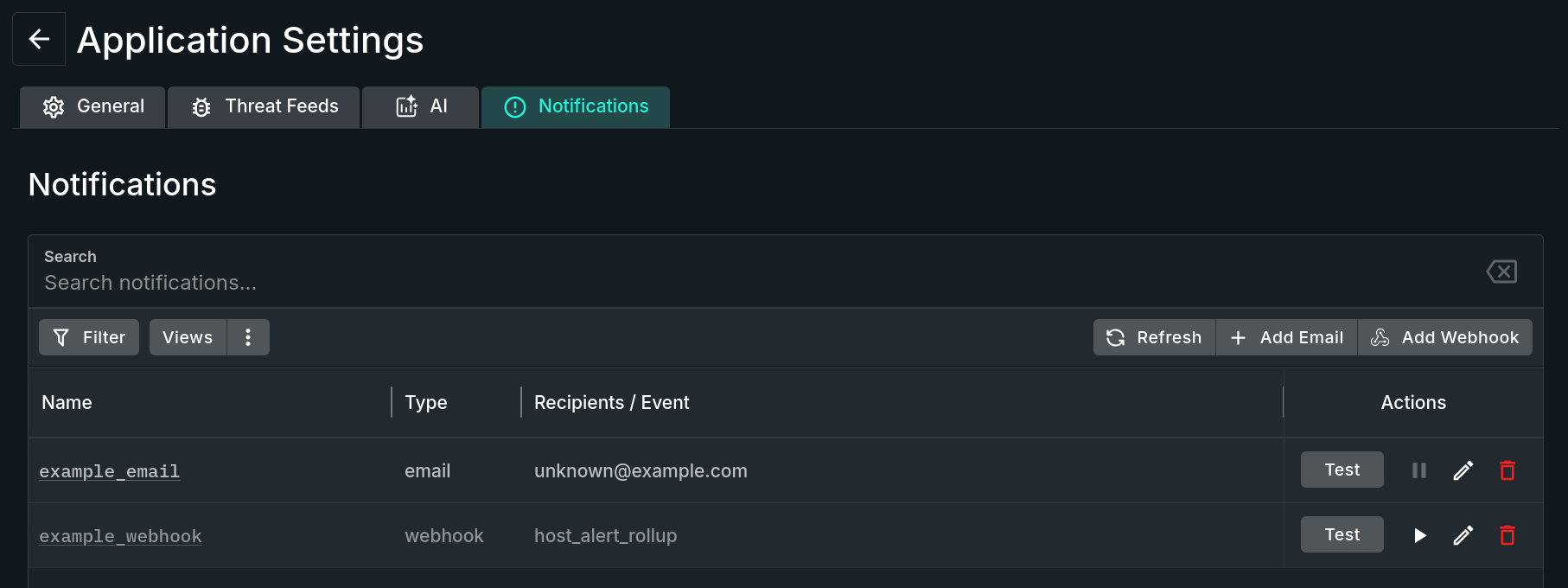
Notifications Tab
Notifications Sent Once
Sandfly sends a notification only for the initial occurrence of an alert seen on a host for the detected threat.
For instance, if Sandfly detects a suspicious process running out of /tmp/ you will receive an alert the first time it occurs. This will be the only message you receive until you delete that particular alert in Sandfly. If the alert triggers many times, and has not been cleared from the Sandfly UI, you will not receive any more notifications until the original alert is cleared and the alert reoccurs.
Additionally, if a different Sandfly alert occurs on the same host, you will receive a notification for that new threat. But again, duplicates of the same alert on the same host will not be sent until the original alert has been cleared.
Alerts From Manual Scans
Sandfly will not send alerts from manually generated scans to email to avoid excessive notifications.
Updated 3 months ago