
Deleting Credentials
To delete one credential, click the delete icon in the Actions column of its row on the Credentials page. To delete more than one credential, select their checkboxes, and then click Delete in the bulk actions bar.
The encrypted credential is permanently removed from the database and can no longer be used by Sandfly.
When deleting a credential, a confirmation dialog opens and indicates the quantity of hosts that would become unreachable should the deletion proceed. To confirm, type DELETE in the dialog. The quantity of hosts using each credential is also shown on the Credentials page in the Hosts column. You can also delete a single credential from its Details page.
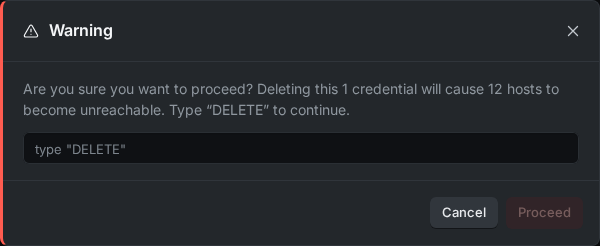
Delete Confirmation Dialog
Updated about 3 hours ago
Did this page help you?