
Logging Out
By default, Sandfly logs you out after 60 minutes of inactivity. Two minutes before the automatic logout, a Warning dialog opens. To stay logged in, click I'm Still Here.
A UI session also has a maximum length (default: 1,440 minutes, or 24 hours). After this time, you must log in again, even if you are active. To change these values, refer to the Session timeout card in General Settings.
To log out manually, click the user profile icon in the Top Bar, then select Sign out.
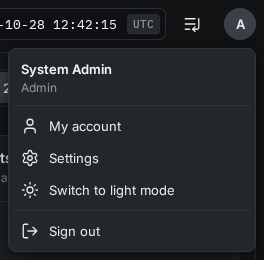
User Logout
Updated 19 days ago
Did this page help you?