
Drift Wizard - Use Case
This wizard step involves selecting which template that best describes the use case for this drift profile.
Templates contain a recommended set of sandflies to include when creating the drift profile. You will be able to change the set of selected sandflies in the next step.
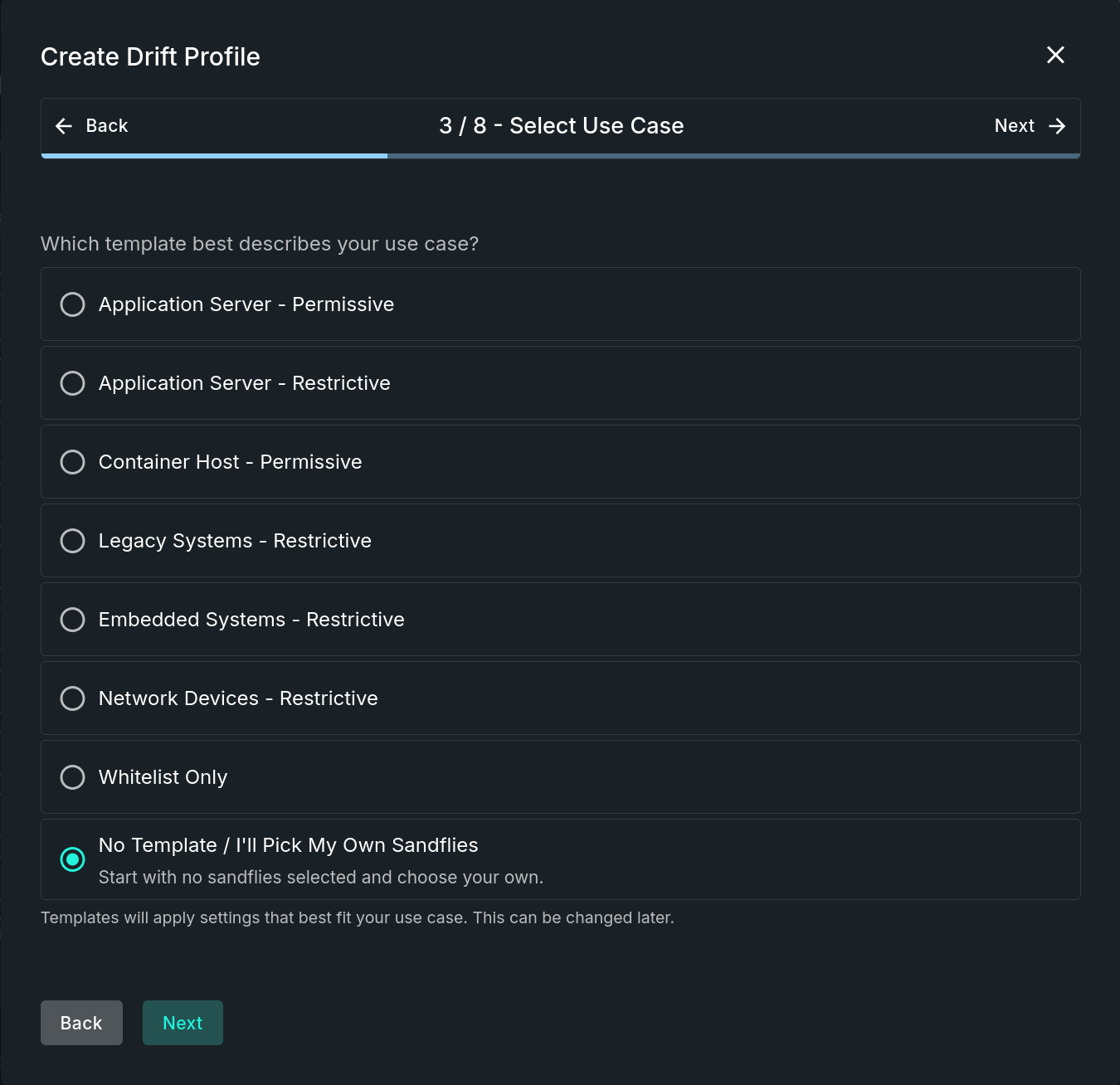
Select Use Case Step
Step Sections
Template Selection
This section requires that one of the listed templates is selected before continuing on to the next step. Three areas include:
- Pre-Defined - These templates represent groups of similar systems or functionality, such as application servers, embedded systems, network devices, and more. Each template contains a description of what they cover when selected.
- Whitelist Only - Creates a profile that only whitelists alerts on the model hosts to eliminate false positives, without alerting on any drift. This is useful for building out whitelists that can be applied to similar systems without needing to individually tune hosts.
- No Template - Start with no sandflies selected and choose your own.
Templates will apply settings that best fit your use case. This can be changed later.
Updated 9 months ago
Did this page help you?