
Drift Wizard - Profile Details
This wizard step involves entering informational details that will be used to identify and describe the saved drift profile.
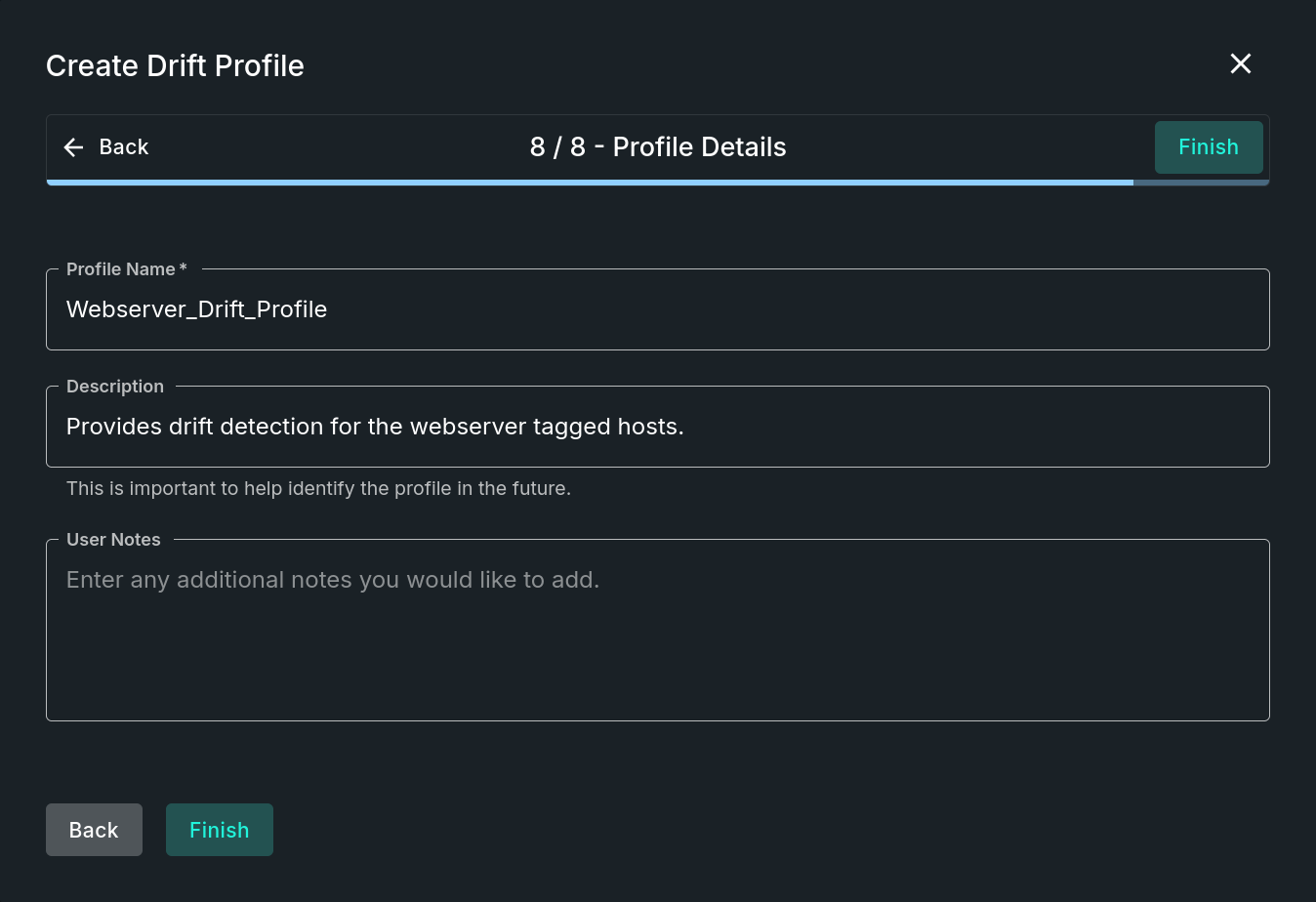
Profile Details Step
Step sections
Profile Information
This section allows for the configuration of the profile details; options include:
- Profile Name (required) - The name of the profile, which must agree with naming conventions.
- Description - Enter a short description of the results or hosts contributing to the profile.
- User Notes - Enter any additional notes you would like to add.
The name and description can be changed at any later time by editing the profile.
Wizard Completion
At this point all of the steps should have been completed as needed. The final action is to simply click on the Finish button to save the data and initiate any system activities for this profile.
Updated 9 months ago
Did this page help you?