
User Profile and Password
Sandfly generates a very long random password when you install it. We recommend using a suitable password manager to either save this password, or generate a new one as needed.
User Profile
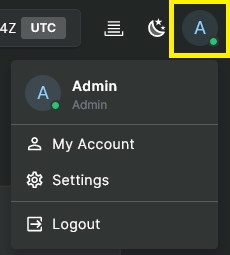
Clicking on the user icon in the upper right corner of the UI opens the user menu which provides access to My Account, among other options:
Account Summary
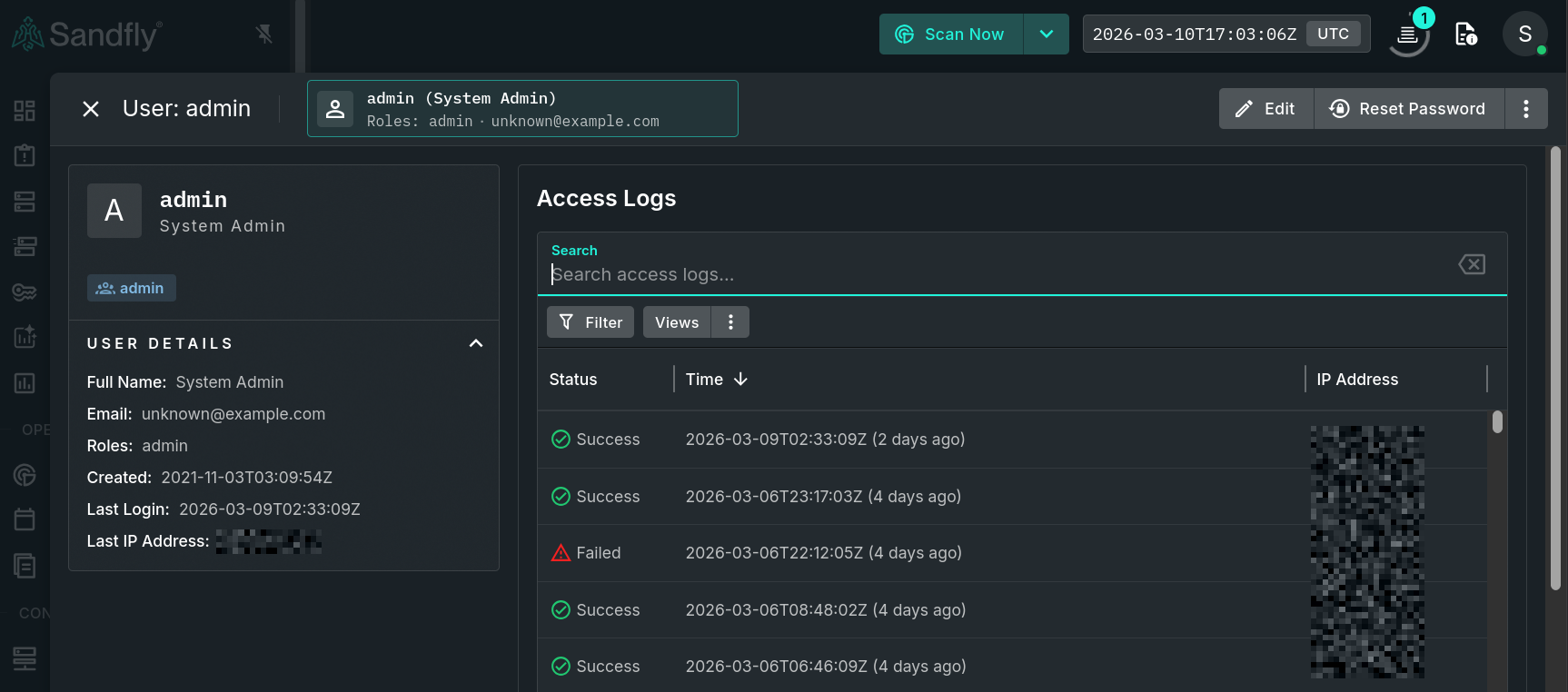
Your profile will look similar to the image shown below. Use the Edit button to update information such as your name and email address. To change your own password use the Change Password button. Alternatively, admins can reset other users' passwords by using the Reset Password button.
User Details
CAUTION: Choosing a PasswordYour password must be at least 12 characters long. If choosing a 12-character password is difficult, a passphrase may be used instead. Passwords can be up to 255 characters long.
Access Logs
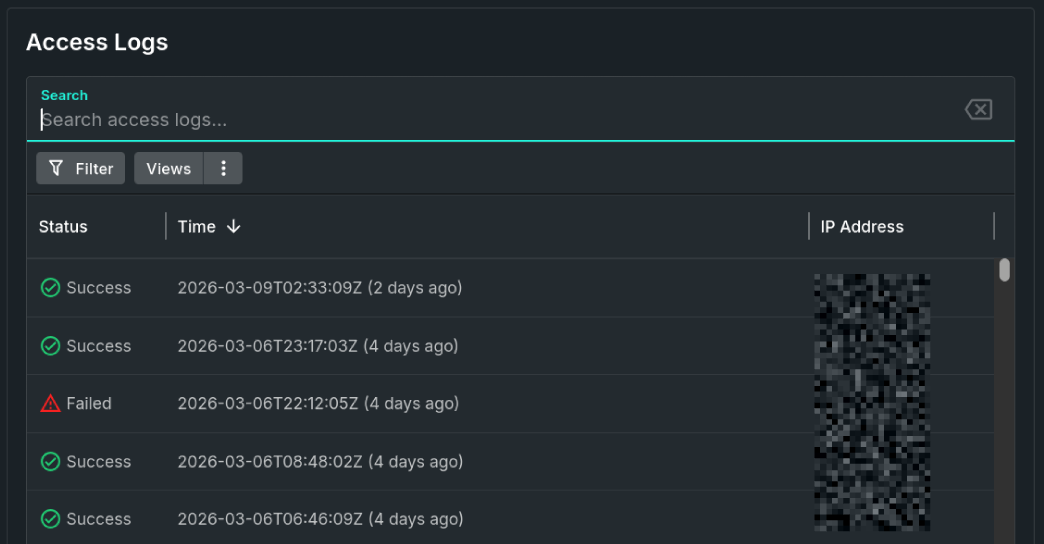
The Access Logs section shows a list of recent successful or failed logins for the associated user.
Access Logs
Updated 3 months ago